Prayer times
Your mosque's times.
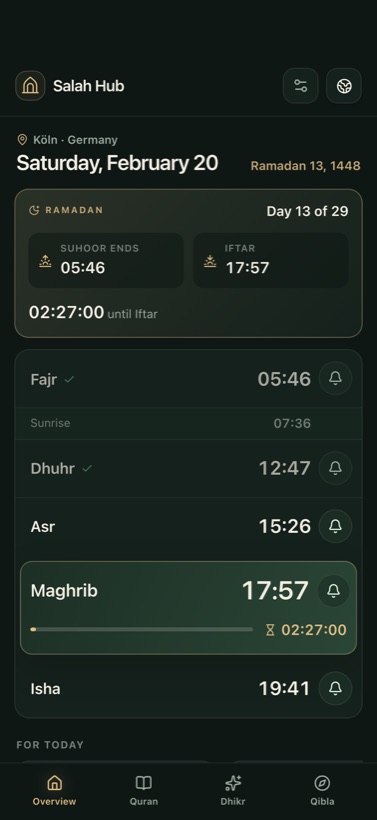
Prayer and Iqama times straight from the MAWAQIT calendar – or calculated for your location, even without internet.
Free · No ads · No account
Your mosque’s prayer times or times calculated precisely for where you are, the adhan right on time and the whole Quran to read and listen to. Plus dhikr, Qibla, Ramadan, the Hijri calendar and learning to pray, step by step.
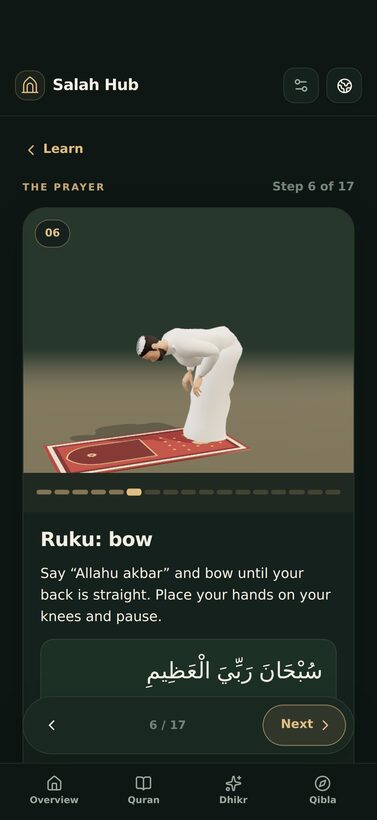
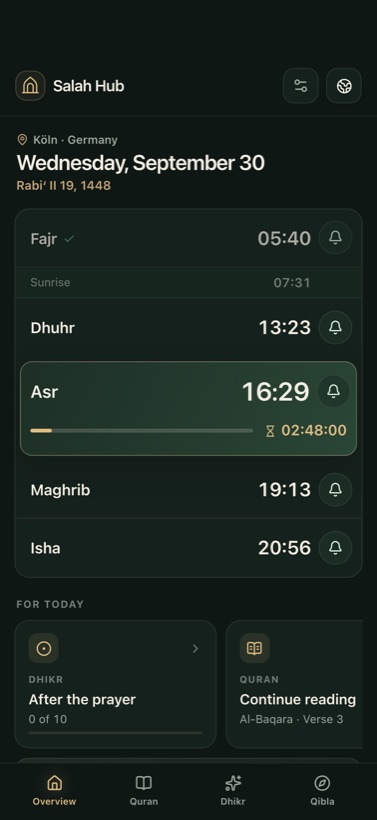
Salah Hub is deliberately simple: the times, the call, the Quran, remembrance, the direction – and now the prayer itself, step by step. Everything works offline once it is set up.
Prayer times
Prayer and Iqama times straight from the MAWAQIT calendar – or calculated for your location, even without internet.
Learn
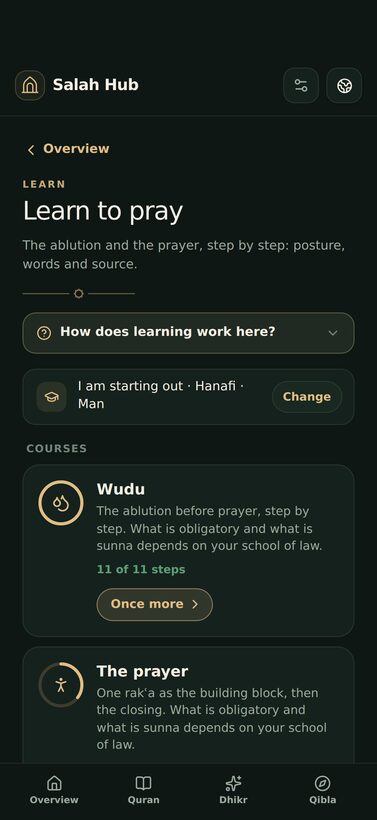
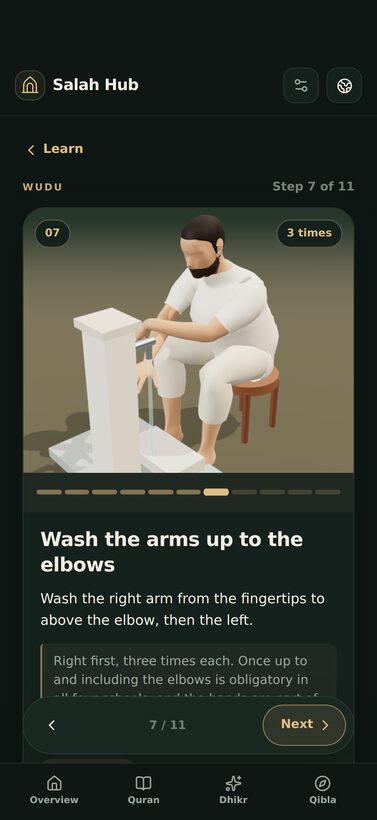
Wudu and prayer with posture, wording and source – following your school, for men and women.
Adhan
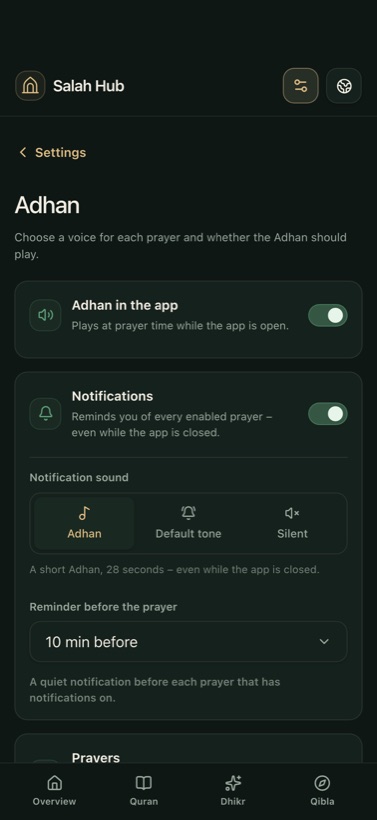
In the app, and as a notification when it's closed – with Adhan, default tone or silent. Set for each prayer individually.
Ramadan
During Ramadan the dashboard shows when Suhoor ends and when Iftar is, with a countdown and a reminder before Fajr.
Quran
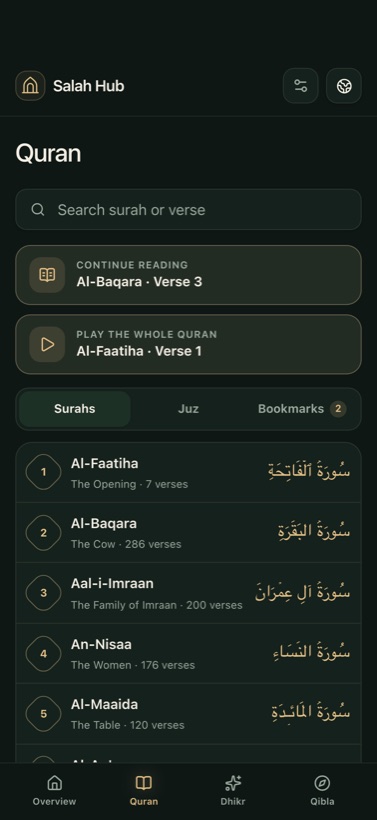
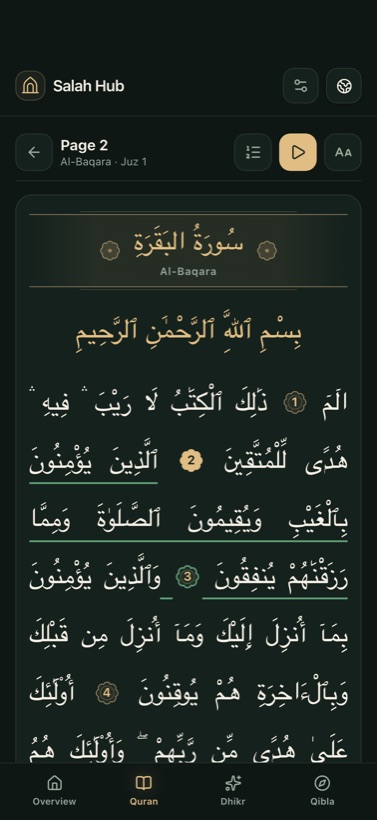
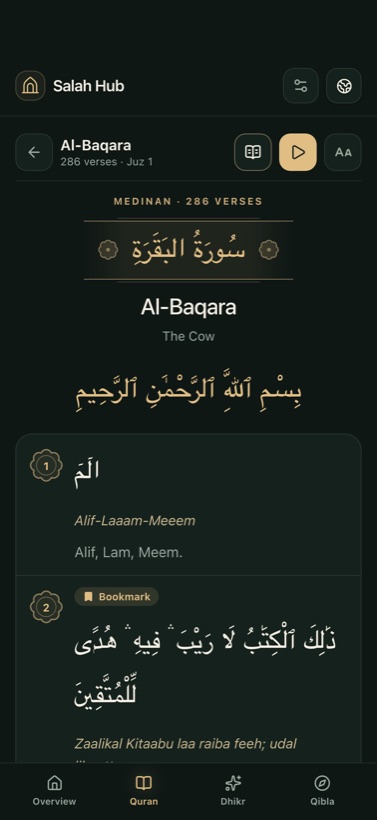
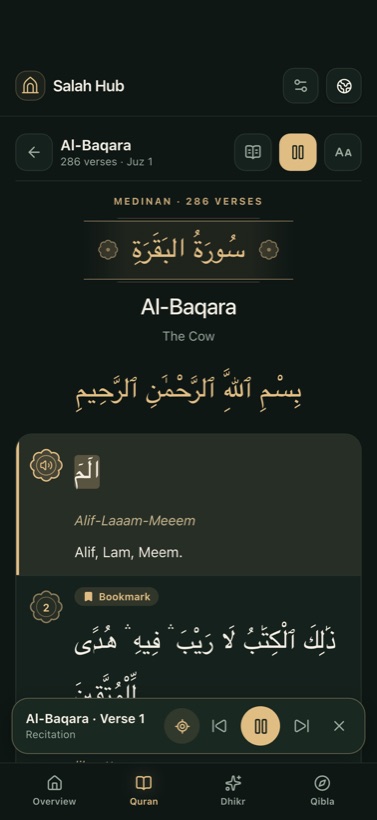
Verse by verse or as book pages to swipe through, with translation, your own bookmarks and word-by-word recitation. Offline after download.
Dhikr
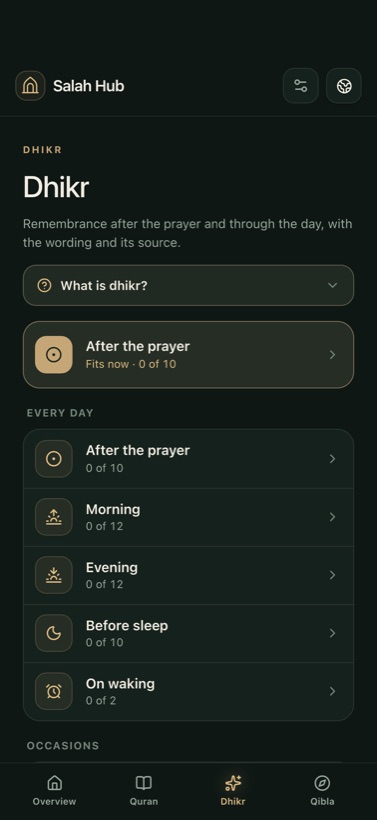
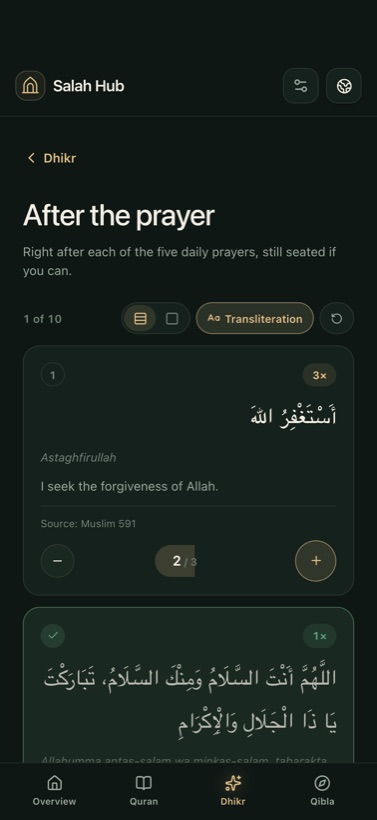
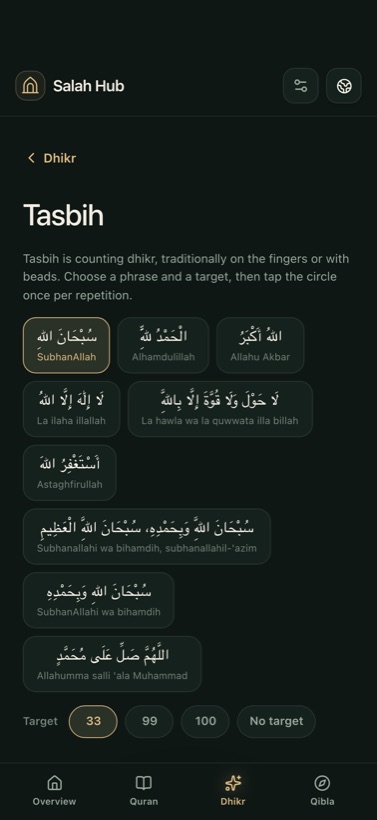
Adhkar for every day and every occasion, with source and translation. Tasbih with counter and target.
Calendar
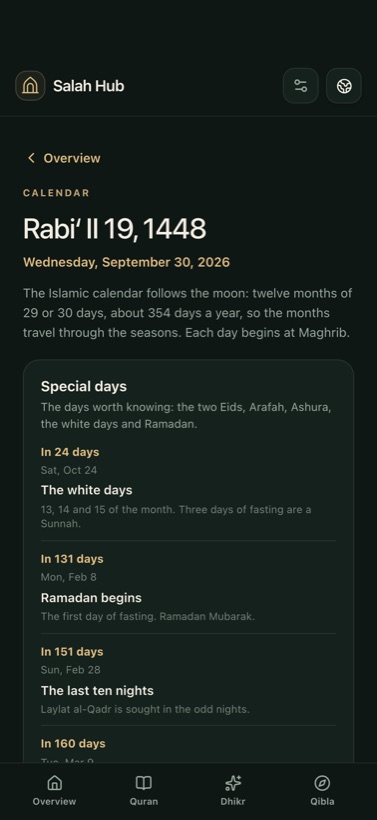
Hijri date, Eid, Arafah, Ashura and the white days, announced the evening before.
Qibla
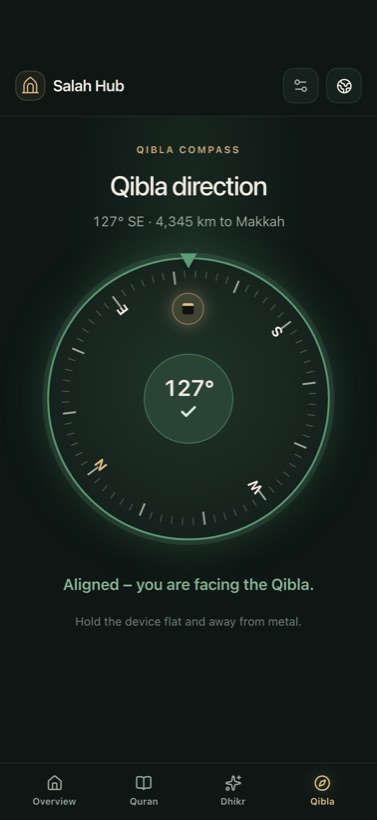
A compass with Kaaba marker and distance. The app tells you the moment you're aligned.
Widget
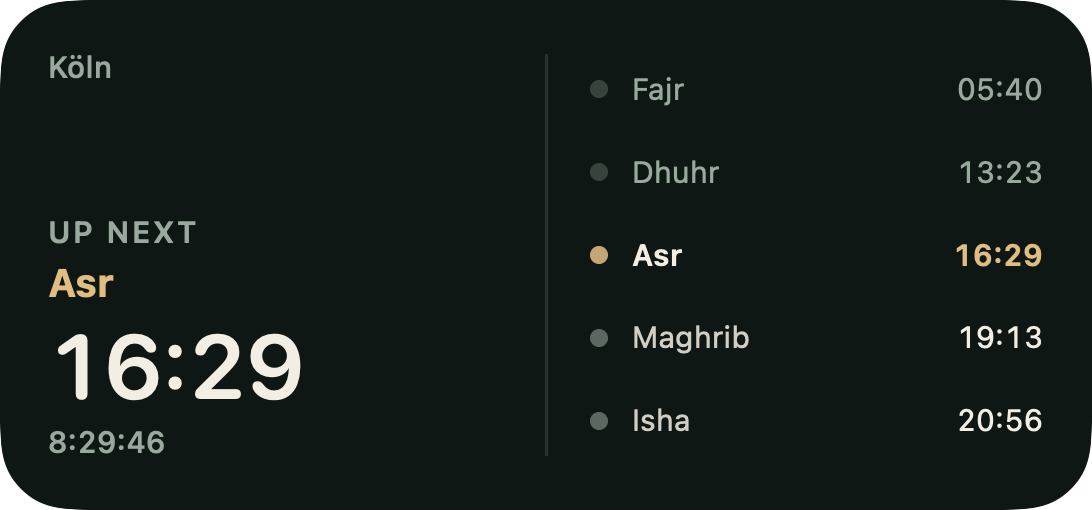
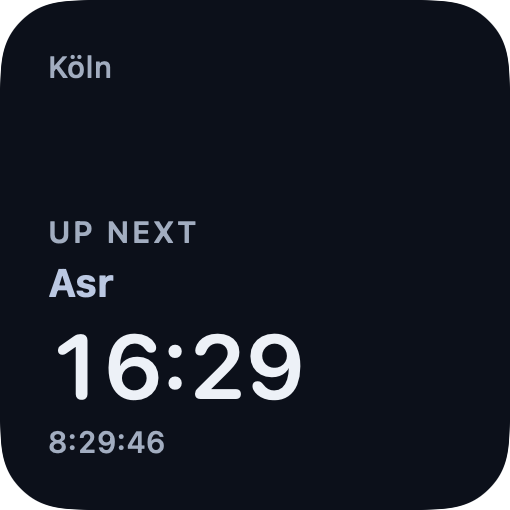
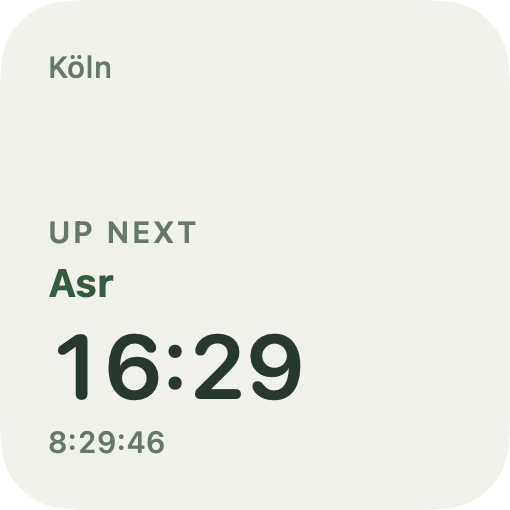
Widgets in three sizes, plus the Lock Screen – in your app's style and always in sync with your settings.
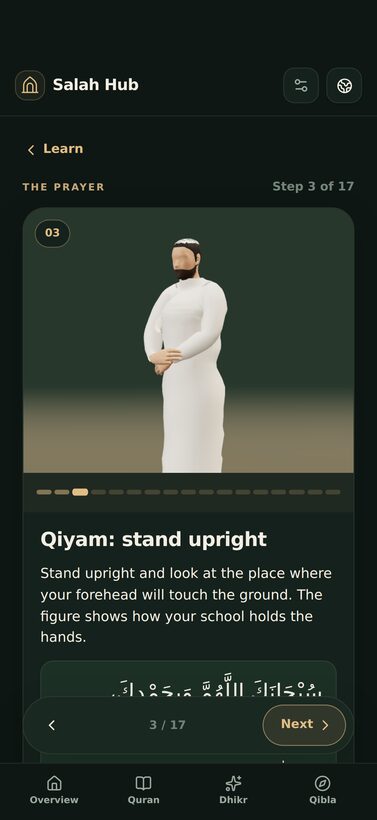
Four schools, one figure
The Qiyam step: pick a school and see how it holds the hands.
LearnNew
For anyone starting out or wanting to be more confident: the app walks you through ablution and prayer and shows at every step what to do and what to say.
Quran
For reading, understanding and listening. Everyone reads differently, so you set the view yourself.
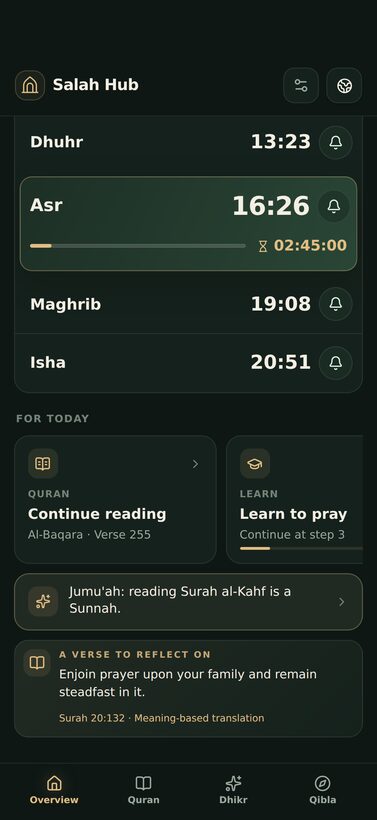
For todayNew
Below the prayer times, the overview gathers what is due today. One tap and you are there.
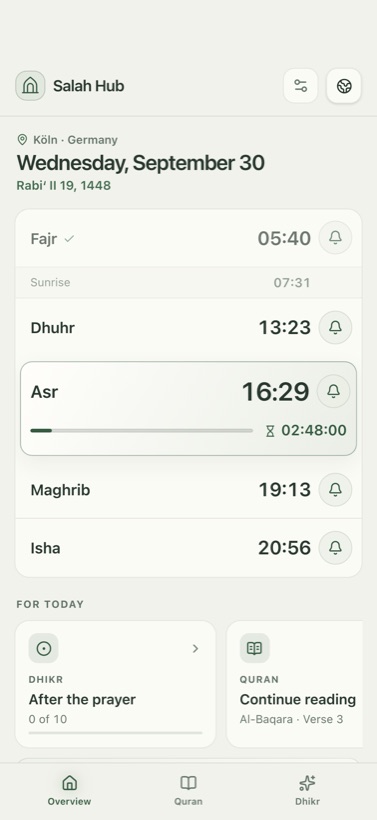
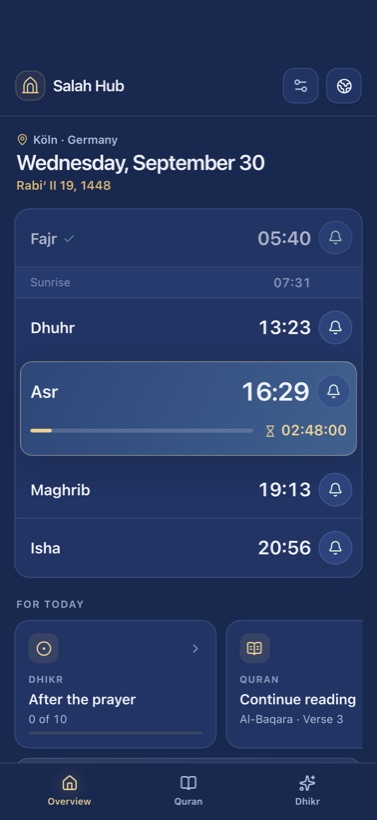
List or tiles, twelve styles, light or dark, three text sizes. Salah Hub adapts to you.
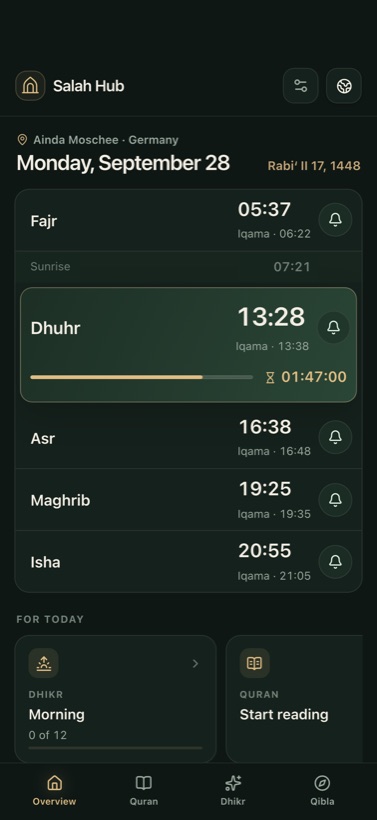
Real screens from the app, in your language.
Widget
Widgets in three sizes and for the Lock Screen – in the style of your app, always in sync with your settings.
Languages
Fifteen languages, right-to-left layout included.
English
A gift for the family became an app for everyone.
Salah Hub began in 2022 with a wish in the family: my father-in-law wanted to see the prayer times at home without reaching for his phone every time. A Raspberry Pi, a small display and many evenings became a device that has shown the times in his living room ever since.
In 2026 it grew into something bigger: the Quran to read and listen to, a Qibla compass, fifteen languages and an app anyone can use. I build it with passion alongside work and family, because a tool for prayer should be calm, honest and free of distraction.
Salah Hub is and stays free, without ads, without an account and without data collection. If the app helps you pray on time, it has done its job. I am grateful for every hint and wish.
Candan Tombas
Development and design
Questions, bugs or wishes
info@salah-hub.netShort and honest answers.
Either straight from your mosque’s MAWAQIT calendar, with prayer and iqama times, or calculated for your location. The calculation follows a recognised method and your madhab for Asr, and needs no internet.
Ideally the one your mosque or country uses: Diyanet in Turkey and many communities in Europe, ISNA in North America, Umm al-Qura in Saudi Arabia, the Egyptian authority and Karachi in their regions. When in doubt, the Muslim World League is a good choice. For Asr you also pick your madhab.
In the settings you choose a place and see the nearby mosques that keep their calendar on MAWAQIT. Once selected, Salah Hub takes over the mosque’s prayer and iqama times and refreshes them when you open the app. If your mosque is not listed, you use calculated times.
Yes. On iPhone and Android a notification arrives for every prayer, with the adhan, the default tone or silent, set for each prayer separately. You can also be reminded a few minutes before the prayer, and in Ramadan before suhoor ends.
You choose: verse by verse with translation, or as book pages to swipe through. You set the translation, its language and the text size. Any verse can be bookmarked, and you set a reading position to continue from later. While listening, the app remembers where you stopped. The Quran is also divided into 30 parts (juz), for example one part a day in Ramadan.
Translations of the meaning by recognised translators in 14 languages, for example Saheeh International (English), Bubenheim & Elyas (German) and Diyanet (Turkish). Every translation is credited with its source in the app.
Yes. Tap a verse in the reader and choose “Tafsir”: you see the verse, its translation and a concise explanation from Al-Mukhtasar fi Tafsir al-Qur’an al-Karim (Tafsir Center for Qur’anic Studies), taken from QuranEnc.com. Available in Arabic, Turkish, French, Spanish, Chinese, Indonesian, Bosnian, Persian and Sorani. In other languages the app deliberately shows no substitute from a foreign language.
The recitation is by Abdul Basit Abdus-Samad (murattal). You download it surah by surah or all at once, after that it plays without internet, and the app highlights every word as you listen. The Quran text itself is always in the app.
Dhikr is the remembrance of Allah: short praises and supplications. Salah Hub arranges them by day and occasion: after the prayer, morning, evening, before sleep, on waking, at the adhan, in the mosque, after wudu and meals, when travelling, in hardship and illness. Every entry has the Arabic text, a transliteration, its meaning and its source (hadith collection and number); the app counts along and keeps the day’s progress. The tasbih counts Subhanallah, Alhamdulillah, Allahu Akbar and more with a target and rounds.
Yes. Under “Learn to pray”, reached from the card on the overview, the app takes you step by step through wudu and the prayer: from the conditions through takbir, ruku and sujud to the salam. Every step shows the posture, what to do and what to say, in Arabic, in transliteration and with its meaning. At the start the app briefly asks how well you already know the prayer, and it remembers your progress on the device.
The one you choose: Hanafi, Shafiʿi, Maliki or Hanbali. Where the schools differ, such as how the hands are held or how one sits, the steps follow your school. Women choose whether to pray as their school describes for women or exactly like men; both views come with a short reason. If you are unsure, ask at your mosque.
From recognised works of the four schools and from the hadith collections; every step names its source. Quran passages such as al-Fatiha come from the app’s Quran text, with transliteration and translation. If you choose “I can pray” or “I want to go deeper”, you also see whether a step is fard, wajib or sunnah.
In Ramadan the dashboard shows when suhoor ends and when iftar is, with a countdown and a reminder before Fajr. The calendar knows the last ten nights, Eid and the other special days and can announce them the evening before.
The Islamic date depends on the moon sighting and varies from country to country. Salah Hub follows the Umm al-Qura calendar. If your community is a day earlier or later, shift the date in the settings by up to two days. All special days and reminders follow that correction.
The “For today” row: the dhikr that fits the moment, for example after the prayer, the place in the Quran where you continue reading, your course under “Learn to pray” and the next special day in the calendar. On Fridays a row of its own reminds you of Surah al-Kahf and opens it with one tap. Below it is a verse for reflection.
Yes. Calculated times need no internet. A mosque calendar is refreshed when you open the app, and days already loaded stay available offline. The Quran is fully in the app, the recitation you download once.
On iPhone and iPad, soon on Android too. Settings and downloads live on each device.
As accurate as your phone’s compass. Hold it flat, away from metal and magnets, and move it in a figure eight if it needs calibrating. The direction is calculated from your location. The app shows the distance to Makkah and tells you as soon as you are aligned.
Yes, on iPhone in three sizes and for the lock screen. It shows the next prayer, and in the larger sizes the times of the day, in the style of your app and always in sync with your settings. On Android the widget comes in three sizes.
Salah Hub is now on the App Store; Google Play follows soon. Both versions offer the same features.
Yes, completely. No ads, no in-app purchases, no subscription and no account. Salah Hub began as a gift for the family and stays free.
None. Settings and downloads live only on your device. Your location is used solely on the device for the calculation. The details are in the privacy policy.
Write to info@salah-hub.net. Mention your device, the language and what happened, ideally with a screenshot. Every message is read.
No account, no ads, no data collection. Settings and downloads live only on your device.
Free · No ads · No account
The same app, the same calm – on both devices.
